Full access to all products
Trusted by designers from
Start from proven structures instead of rebuilding from scratch
Use a proven starting point for the work in front of you, then adapt it to your product, system, and existing context



Different work calls for different starting points
Use ready-to-use systems, frameworks, and workflows as a stronger starting point for the work in front of you
Use it across more of the work behind products and systems
From setting direction and foundations to documentation, reviews, AI-assisted workflows, and implementation
Direction
Clarify what the work needs to achieve, where to focus, and which decisions should guide what comes next
Foundations
Build and refine the core structures that keep products consistent as they grow and change
Documentation
Turn decisions and system knowledge into clearer guidance teams can understand, share, and reuse
Review
Check work against existing rules, spot inconsistencies, and make recurring reviews more structured
AI workflows
Bring better context into AI-assisted work and make recurring tasks easier to run consistently
Implementation
Carry design decisions beyond the source file with clearer context for accessibility, handoff, and development
Built around real design system work.
For designers building, improving, and maintaining design systems while shaping the decisions and workflows behind digital products.
_
Get more from every resource you start your work with
Working files are only the beginning, with guidance, context, workflows, and supporting resources included around them
Included in Pro · From $8.25/month


The format changes depending on the work, but the depth stays the same
Working resources
Start from structured Figma systems, FigJam frameworks, ready-made Skills, and practical templates
Guidance and references
Use guides, examples, customization files, and knowledge resources to understand and adapt what you start with
AI-ready context
Bring context files, prompt libraries, project instructions, references, Skills, and tests into AI-assisted work
Implementation support
Carry decisions further with accessibility guidance, developer handoff, documentation, mapping, and validation
Work with what already exists without having to start over
Use the parts that help now, whether you’re starting something new, improving what exists, or maintaining a system already in use
01
Starting from scratch
Build from clearer structure before the work spreads
02
Already in progress
Add what’s missing without rebuilding what already works
03
Messy or inconsistent
Clarify weak areas and make the system more consistent
04
Established and evolving
Improve existing workflows as new needs continue to appear
Use only what the work needs right now
Start with the resources that match your current situation, then return to other parts as new tasks, decisions, and problems come up
Make every resource ready for the AI work that comes next
Use built-in context, guidance, and reusable workflows to carry the work beyond the original file
Use with the AI tools already in your workflow




Work from context, not assumptions
Use rules, sources, decisions, and project context to help AI work from what already exists instead of guessing how your product or system works
Keep adapting as your work changes and more gets added
Come back as new needs appear, while new resources and updates keep expanding what you can work with

Your work keeps changing
Use what helps now, then return when a different task, decision, or problem comes up later
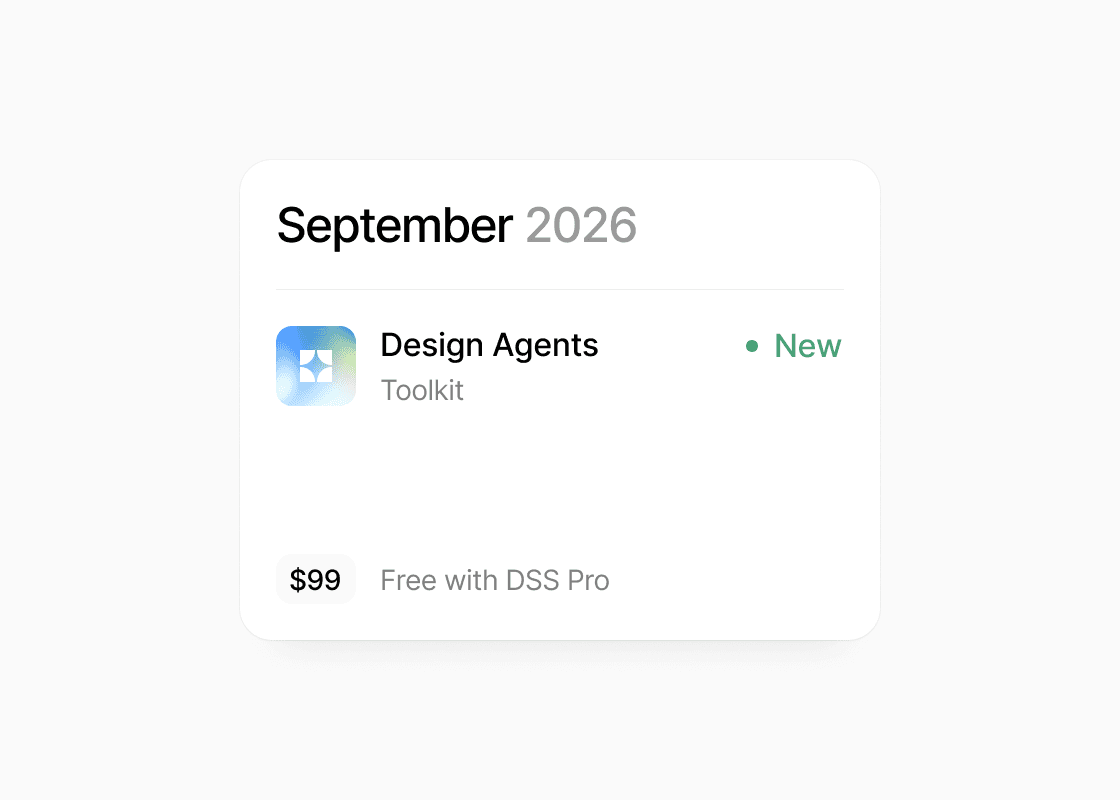
New value keeps getting added
New resources and updates keep expanding what’s available over time without separate purchases
Used by designers working through real product and system problems
Design Systems Surf helped us move from scattered decisions to a clearer system structure. It gave us a practical way to think through tokens, docs, and handoff without getting stuck

Dmitry Rypinsky
Product Designer
It gave me a clearer picture of where AI can save time in design-system work while leaving the important decisions and quality checks with the team
Danial Shirali
Product Designer
It's been quite helpful to wrangle all of these seemingly disparate systems into a singular lens and understand how to get started
Dallas Kwok
Lead Designer
Design Systems Surf has helped me conceptualize a framework to move from idea to a usable brand design system. It has taken my prototypes to the next level
Michelle Exantus
UX Researcher
Get everything you need to keep your system moving
Get all products and new monthly resources, future releases, and ongoing updates from just $0.27/day. Cancel anytime.
You keep every file you download. An active plan unlocks new monthly drops, updates, and future releases
Everything you might want to know before joining Pro
What do I get with Pro?
Pro gives you access to all current products and resources included in the library, along with the supporting guides, context files, workflows, and other materials that come with them. While your plan is active, you also get ongoing product updates and access to new releases as they’re added.
Do I need to use everything?
No. Pro is designed to be useful across different kinds of work, not something you need to adopt all at once. Start with the resource that matches what you’re working on now, then come back to other parts when a new task, decision, or problem appears.
Can I use this with an existing design system?
Yes. You don’t need to replace your current system or rebuild it around DSS resources. Use the parts that help strengthen what you already have, adapt them to your own rules and structure, and leave the parts that are already working as they are.
Is this mainly for teams starting a new design system?
No. Pro can support different stages of the work. You can use it when starting fresh, while a system is still in progress, when existing work has become inconsistent, or when an established system needs better documentation, workflows, reviews, or ongoing improvements.
Do I need to use AI to get value from Pro?
No. The working files, frameworks, guides, and other core resources are useful on their own. AI-ready context, prompts, Skills, references, and workflows are included so you can bring the same rules and source material into AI-assisted work when it makes sense for your process.
What happens if I cancel?
You keep every file you downloaded while your plan was active, so anything already saved locally remains yours to use. After cancellation, you’ll no longer have access to new releases, future updates, or resources you haven’t downloaded before your access ends.
What’s the difference between Pro and buying a product once?
A one-time purchase gives you that specific product in its current form, and the downloaded files are yours to keep. Pro gives you access to the full library instead of a single product, along with ongoing updates and new releases added while your subscription is active.
If you only need one specific resource, buying it separately may be enough. Pro makes more sense when you want access across different kinds of work and expect to return as your needs change.
Can I use Pro for client work?
Yes. You can use Pro resources for your own professional work as well as paid client projects. You can adapt the files, frameworks, guidance, and workflows to the product or system you’re working on.
How is Team different from Pro?
Pro is designed for one professional user, including individual and client work. Team is for agencies, studios, and companies that need shared access across multiple people, with usage rights and billing structured for a team rather than an individual account.
How does billing work?
Your plan renews automatically at the end of each billing period until you cancel. You can cancel anytime from your account or by emailing hey@designsystems.surf. You keep access until the end of the period you’ve paid for, and you keep every file you’ve downloaded. Full terms are in our Terms of Sale.
Still have questions?
Reach out at hey@designsystems.surf



PRO
Get full access to keep your design system moving forward
designsystems.surf · created by Ilya Greben