How to kick start of your Design System with AI
7 min read
Design systems rarely start with perfect order. Most of the time, they begin in a tangle of ideas, tools, and unaligned decisions. AI won’t do the work for you, but it can help you move faster. It brings structure to messy beginnings, saves time on repetitive tasks, and turns intuition into something more systematic.
The structure of a Design System
Most design systems go through a similar journey, growing from early concepts into a mature ecosystem that evolves with the product. That journey typically includes four phases:
Define – Set clear goals, guiding principles, and a visual direction
Create – Build the foundations like colors, typography, tokens, and components
Adopt – Integrate the system into the workflow with documentation and team onboarding
Evolve – Maintain, improve, and adapt the system as the product changes
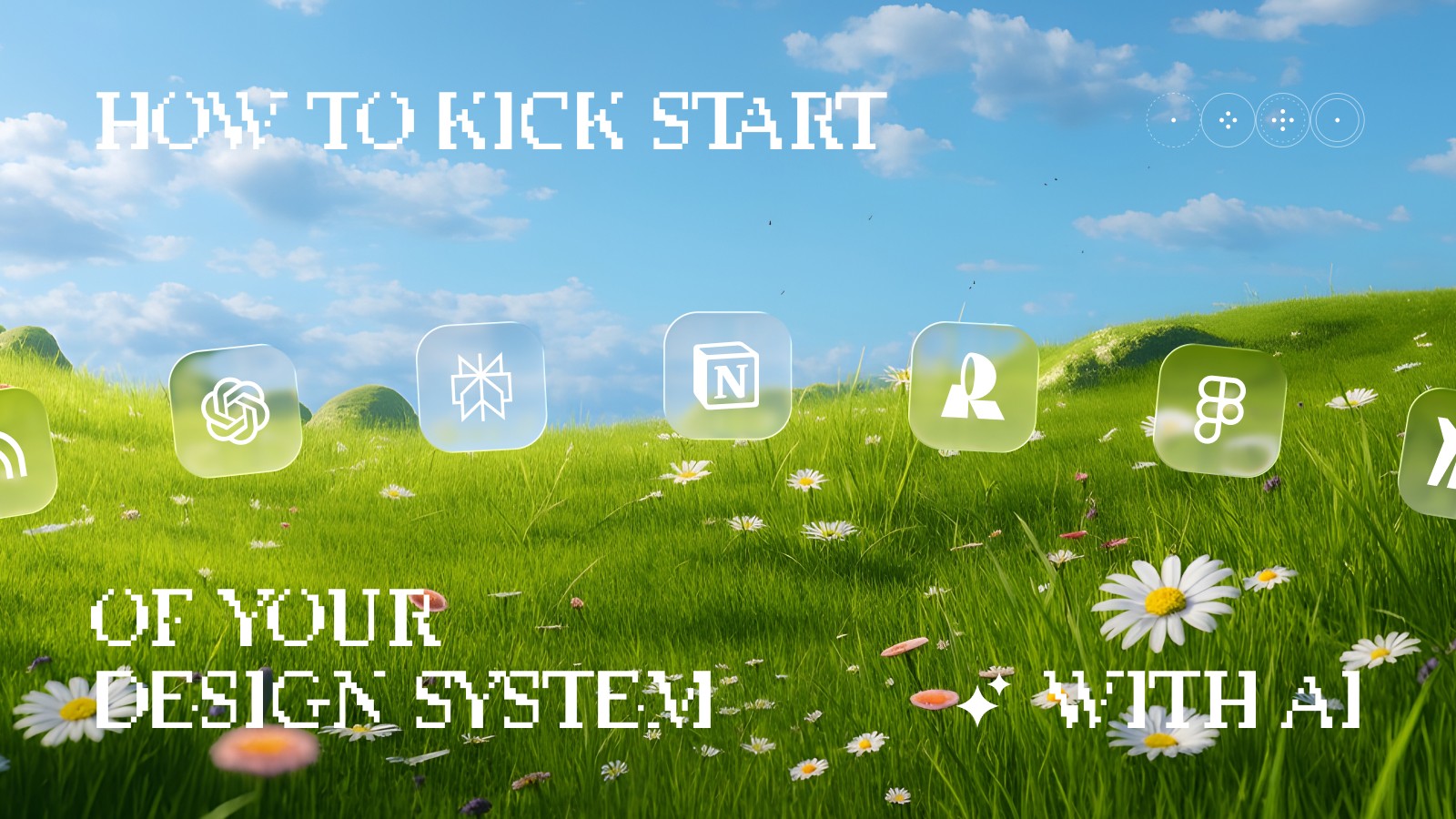
Different AI tools can support you at each stage. ChatGPT helps organize thoughts and write principles. Figma AI or Stitch speeds up visual exploration. Notion AI turns scattered notes into clear documentation. Together, these tools help you generate ideas, structure your work, and stay consistent without getting stuck in manual routines or endless revisions.
If you’re wondering how to use AI for design system work, the answer lies in combining the right tools with the right mindset: using AI not to replace the process, but to guide, shape, and accelerate it.


PRO
How AI helps at every stage
You can use AI at any point when you build a design system with AI—from early ideas to ongoing maintenance and growth. It won’t replace your team, but it does speed up key processes. AI helps clarify principles, organize knowledge, create documentation, and keep everything up to date.
At each stage, its role is different. First, it helps shape the meaning and direction. Then, it supports building the structure. Next, it makes adoption easier. And finally, it helps the system grow and evolve alongside your product.
Define before you build
Every design system starts not with components, but with understanding. Before anything else, you need to know why the system is needed, what problems it solves, and which principles will guide its growth. This phase sets the direction and shared language for everything that comes next.
AI can speed up this moment of clarity. It helps turn scattered thoughts and team ideas into clear, structured statements. It puts words to things you might understand intuitively but struggle to explain. With the help of AI, you can capture the system’s mission, define core principles, and set the tone and style of communication.
For example, you might describe your product and ask AI to suggest five design principles that reflect its unique qualities. Or you could draft a short mission statement for your design system to use later in documentation and presentations. These small steps create a strong foundation that everything else will grow from.
AI doesn’t replace strategy, but it helps shape it faster. It bridges the gap between intuition and articulation, between different viewpoints and a shared direction. At this stage, you don’t need perfection — you need clarity. And that’s exactly where AI can help.
Create: Turn principles into structure
Once the direction is clear, it’s time to build the foundation of the system — colors, typography, grids, tokens, and components. This is where principles begin to take shape as a structure that supports consistency and scalability.
AI helps make this transition faster and more precise. It can suggest naming systems, design patterns, and structural templates. It helps link elements together and define a unified format. You can use AI to generate a token table based on intent, describe component states, or draft documentation templates. These starting points save time and encourage you to think in systems rather than individual screens.
For example, you might ask AI: “Propose a token structure for light and dark themes,” or “Create a component documentation template including usage, behavior, and specs.” The results won’t be final, but they give you a strong starting point for team discussion and refinement.
AI doesn’t replace the design process. It gives it structure and momentum. It helps you move from theory to practice, brings clarity to early decisions, and makes those first steps feel more focused and less chaotic.
Adopt: Make the System clear and usable
Once your system takes shape, it’s time to share it with others. It’s not enough for the team to just use the components. They need to understand the thinking behind them. This is the moment when a design system stops being just a set of files and starts becoming a shared language for the product.
AI helps make that language easier to explain and easier to learn. It can write clear rules, simplify complex ideas, and help you turn raw knowledge into real documentation. You can use AI to generate usage examples, explain core principles, or draft short how-to guides that people actually want to read. For instance: “Explain the difference between a component and a pattern in simple terms,” or “Write a quick guide on how to use the spacing scale.”
When you create a design system with AI, the documentation process becomes faster and more approachable. More importantly, your communication becomes cleaner. Clear rules are easier to follow. Well-written docs turn from forgotten files into everyday tools.
A design system lives in how people talk about it and how they use it. AI helps keep that communication sharp, turning complex explanations into formats people understand, from short notes to training materials.
Evolve: Maintain and grow
After adoption comes the longest phase — ongoing maintenance and growth. A design system becomes a living thing. New patterns appear, interfaces evolve, and technologies change. Without regular care, even the best system can slowly become outdated and turn into an archive.
AI helps keep the system active and relevant. It speeds up feedback analysis, organizes comments, spots duplicates or inconsistencies, and helps shape the roadmap for the next release. You can use AI to summarize key issues raised in team discussions or generate improvement ideas based on feedback.
For example: “Summarize comments from the latest component updates and highlight recurring themes,” or “Suggest top priorities for improving the design system based on team feedback.” Prompts like these help you stay in rhythm and see the bigger picture, without endless meetings.
AI doesn’t lead the system’s evolution, but it supports a transparent and thoughtful process. It helps you treat change as part of the journey, not a disruption. When you create a design system with AI and continue using it in this way, the system becomes smarter over time, growing alongside your product and your team.
Beyond docs: visual thinking with AI
AI is no longer limited to writing copy or helping with documentation. It now plays a real part in the visual process too. From early concepts to first screens, it helps teams shape ideas, explore directions, and move faster from thought to interface.
Tools like Mixboard and Recraft make it easy to explore different styles, collect visual references, and test out the tone of a future design system. Midjourney is still a strong choice for generating inspiration and helping define a brand’s visual voice.
When you’re ready to shift from ideas to interfaces, tools like Figma Make and Google Stitch can turn a sketch or written description into a UI. They’re helpful for testing layouts, building quick prototypes, and bringing early concepts to life while staying close to the actual product.
Notion AI ties everything together by blending strategy, content, and visuals in one space. You can use it to collect moodboards, capture decisions, and turn rough ideas into working drafts or design artifacts.
Together, these tools change how teams approach visual work. AI becomes a creative partner throughout the process, not just something you bring in at the end. It helps turn loose ideas into structured systems more smoothly.
AI doesn’t replace a designer’s taste or experience. It won’t make the final call on style. But it does make it easier to move from idea to concept to system, especially in the early stages when the design system is still taking shape.
The designer’s new role
AI doesn’t take work away from designers — it shifts the focus of their work.
Instead of spending time on repetitive tasks or struggling to find the right words, designers can focus their energy on what really matters: the logic of the system, the visual language, the processes, and the culture behind it all.
Design today is not just about interfaces. It’s about organizing knowledge. AI helps collect, interpret, and connect ideas — and the designer becomes the curator of that connection. They decide what’s important, how to use it, and where it fits in the bigger picture.
The biggest shift is from production to curation.
AI can generate dozens of options, but only the designer knows which one works best for the product, the brand, and the user experience. The role of the designer is not just to move faster, but to keep the system meaningful in a world that’s moving faster every day.
Closing thoughts
AI doesn’t create a design system on its own. What it does is accelerate understanding, help shape early ideas, and turn chaos into structure. A real system is the result of collaboration, where technology supports thinking rather than replacing it.
Getting started is simple. Define the purpose, outline a few principles, set a visual tone, and test your first decisions using AI tools. It doesn’t need to be perfect. What matters is having a direction to build on.
Every design system begins with clarity. When you create a design system with AI, you reach that clarity faster and you turn that initial spark into a process you can grow, document, and scale over time.

