AI

DS

Playbook

Build your Design System 10x smarter with AI

Structure, document, and scale your Design System with the tools and mindset that make AI work for you

Generate Buy-in Pitch

make Contribution Guide

create Component Structure

generate Tone of Voice

make Layout Audit

create Naming Guidelines

Trusted by professionals from

Clarity, speed, and structure for your Design System

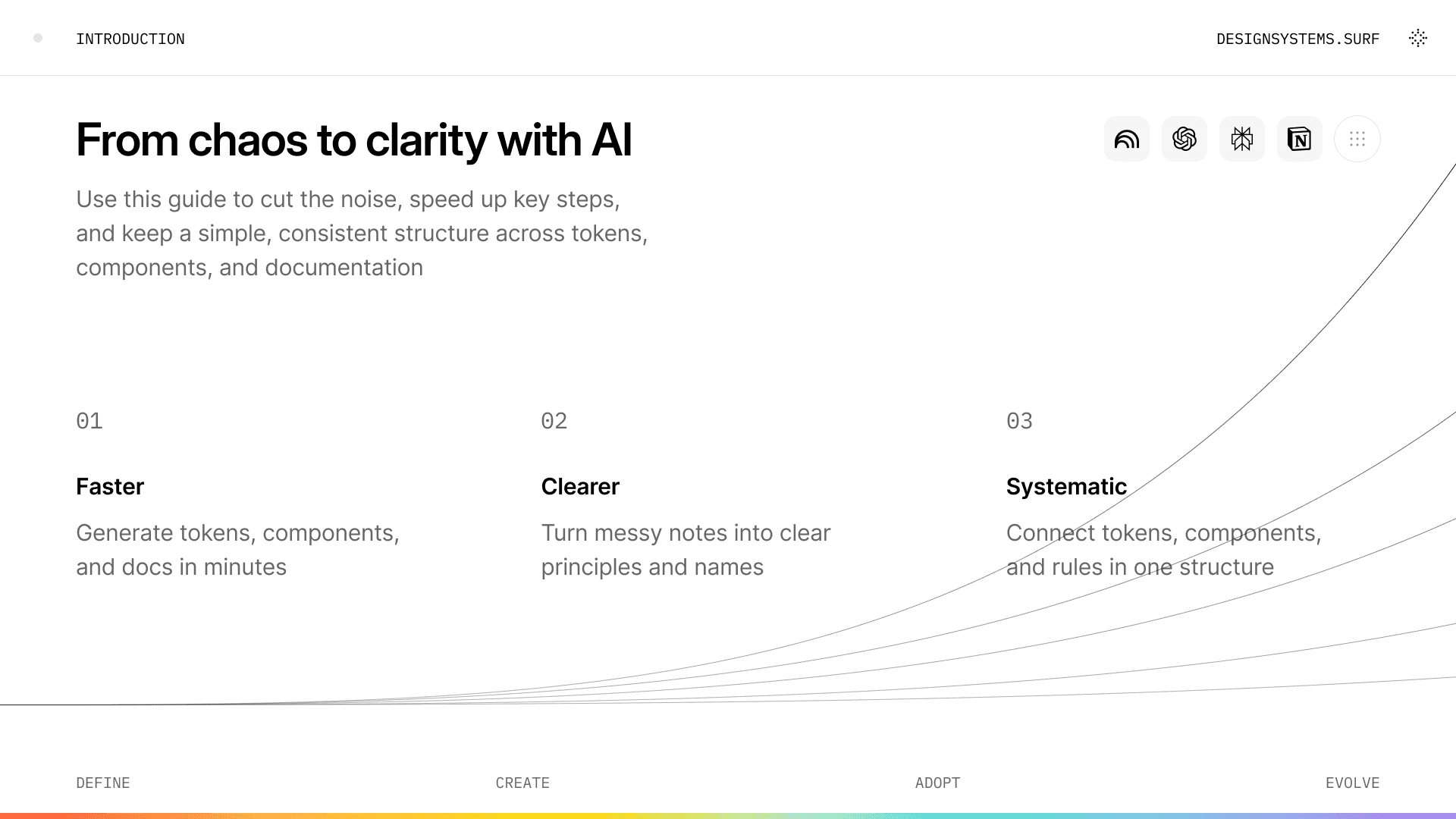
Build faster, stay consistent, and keep everything organized across Notion, Figma, and AI

01

Make decisions faster

Use the Prompts Library to speed up decisions across foundations, tokens, components, docs, and governance

02

Keep your system organised

Use the Notion DS Manager to organize foundations, tokens, components, docs, and processes in one place

03

Build tokens without chaos

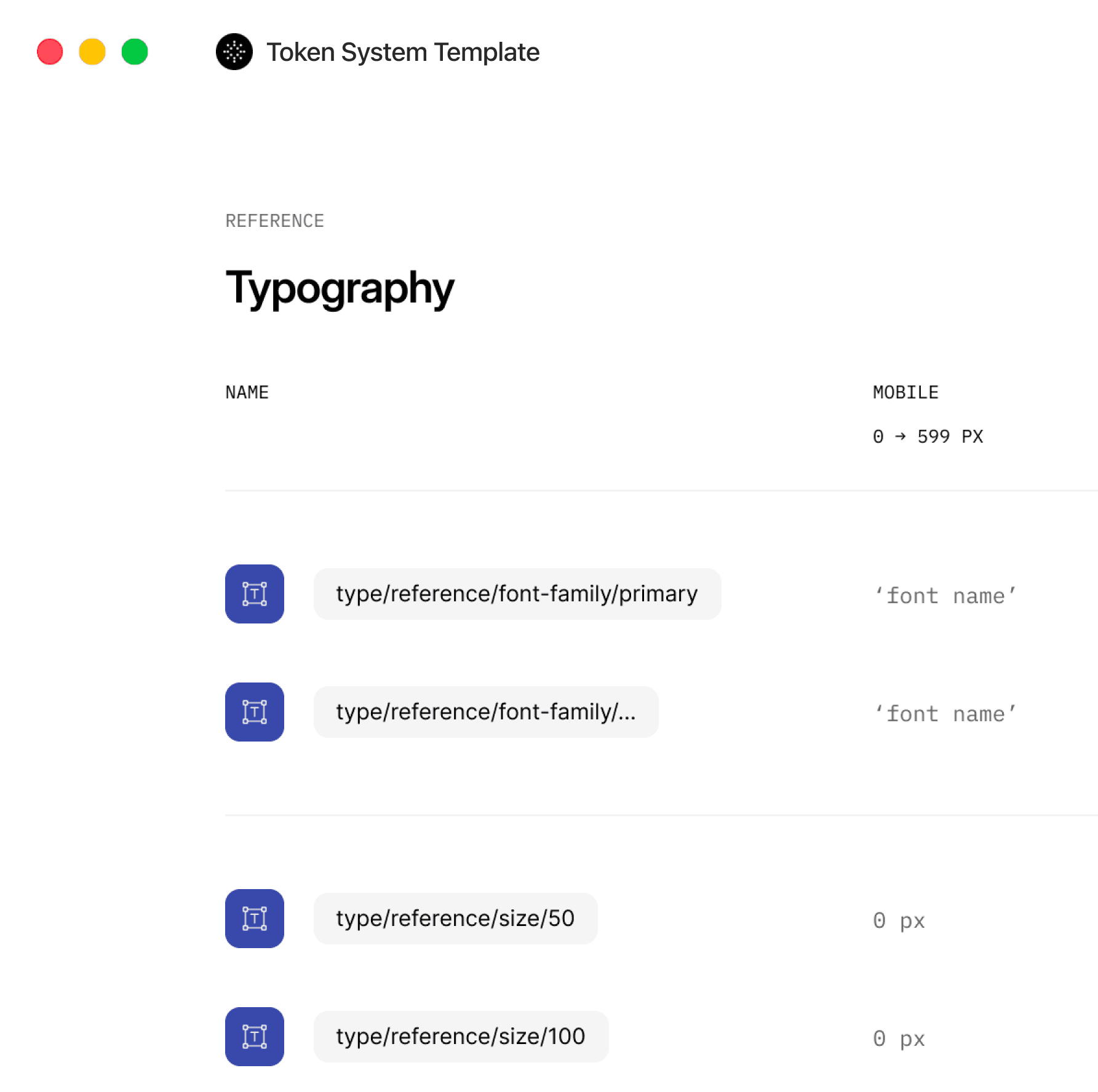
Use the Figma Token System to define reference, semantic, and component tokens with a scalable, predictable setup
Template

Design System Manager

Plan and organize

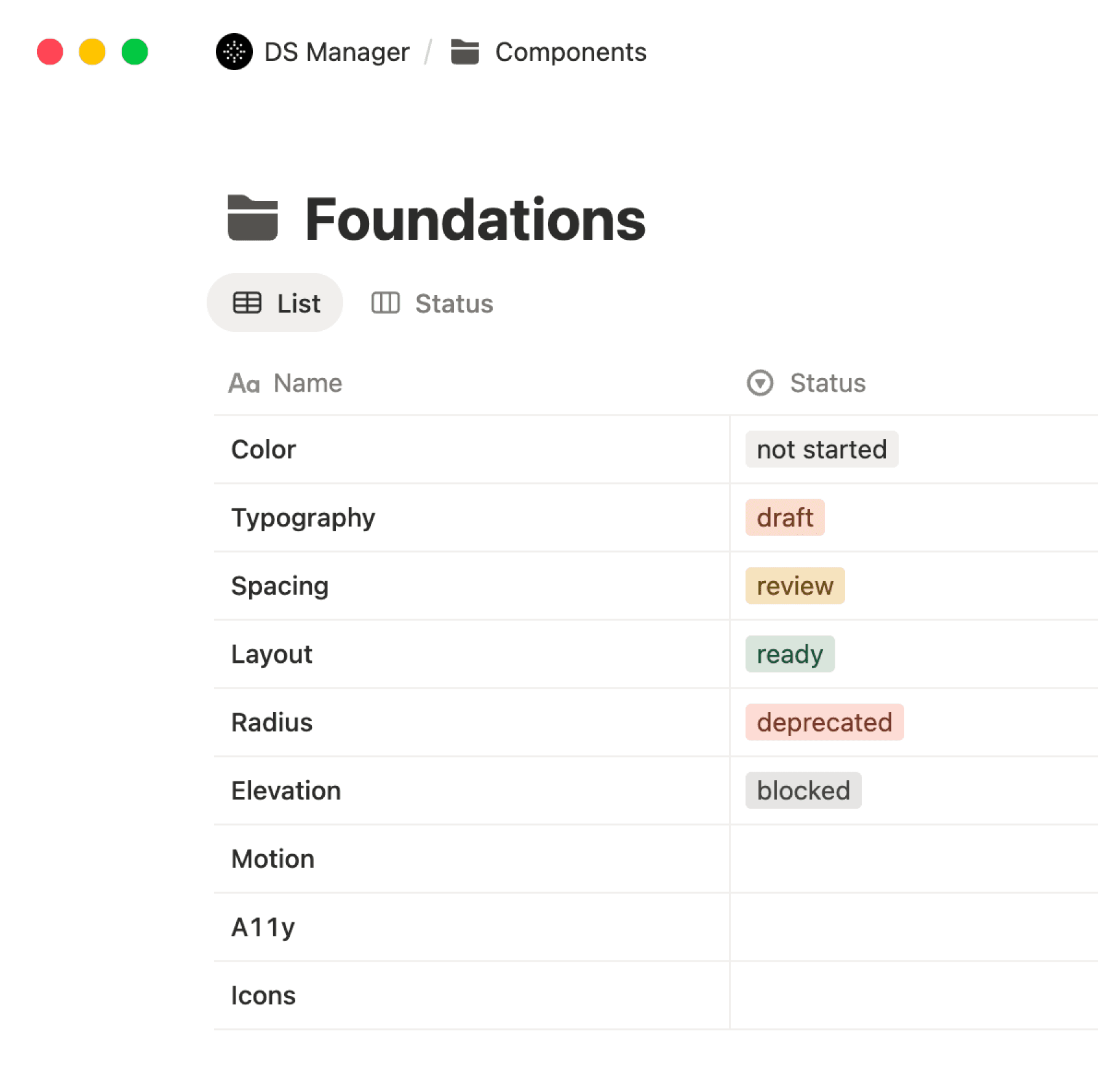
Plan and organize your entire system in one clear, scalable workspace

Foundations

Capture key decisions for layout, color, type, and spacing, a stable base that connects directly to docs, tokens, and components

Tokens

A clean token architecture across reference, semantic, and component layers. Helps you maintain consistency, avoid duplicates, and support theming

Component

A structured inventory of components with priorities, states, variants, and linked tokens. Ideal for planning an MVP set or scaling an existing library

Docs

A clear home for guidelines, usage rules, examples, and do/donโ€™ts. Easy to maintain, easy for the team to use

Audit

A focused space for spotting inconsistencies โ€” radii, spacing, colors, states, patterns. See whatโ€™s off, whatโ€™s missing, and what needs attention next

Governance

Define how the system changes: roles, workflows, RACI, versioning, and ADRs. Keeps decisions transparent and prevents the system from drifting

Roadmap

Plan improvements, releases, and priorities as the system grows. A simple way to stay aligned and evolve with intent

Template

Design System Manager

Plan and organize

Plan and organize your entire system in one clear, scalable workspace

Foundations

Capture key decisions for layout, color, type, and spacing, a stable base that connects directly to docs, tokens, and components

Tokens

A clean token architecture across reference, semantic, and component layers. Helps you maintain consistency, avoid duplicates, and support theming

Component

A structured inventory of components with priorities, states, variants, and linked tokens. Ideal for planning an MVP set or scaling an existing library

Docs

A clear home for guidelines, usage rules, examples, and do/donโ€™ts. Easy to maintain, easy for the team to use

Audit

A focused space for spotting inconsistencies โ€” radii, spacing, colors, states, patterns. See whatโ€™s off, whatโ€™s missing, and what needs attention next

Governance

Define how the system changes: roles, workflows, RACI, versioning, and ADRs. Keeps decisions transparent and prevents the system from drifting

Roadmap

Plan improvements, releases, and priorities as the system grows. A simple way to stay aligned and evolve with intent

Template

Design System Manager

Plan and organize

Plan and organize your entire system in one clear, scalable workspace

Foundations

Capture key decisions for layout, color, type, and spacing, a stable base that connects directly to docs, tokens, and components

Tokens

A clean token architecture across reference, semantic, and component layers. Helps you maintain consistency, avoid duplicates, and support theming

Component

A structured inventory of components with priorities, states, variants, and linked tokens. Ideal for planning an MVP set or scaling an existing library

Docs

A clear home for guidelines, usage rules, examples, and do/donโ€™ts. Easy to maintain, easy for the team to use

Audit

A focused space for spotting inconsistencies โ€” radii, spacing, colors, states, patterns. See whatโ€™s off, whatโ€™s missing, and what needs attention next

Governance

Define how the system changes: roles, workflows, RACI, versioning, and ADRs. Keeps decisions transparent and prevents the system from drifting

Roadmap

Plan improvements, releases, and priorities as the system grows. A simple way to stay aligned and evolve with intent

Cheatsheet

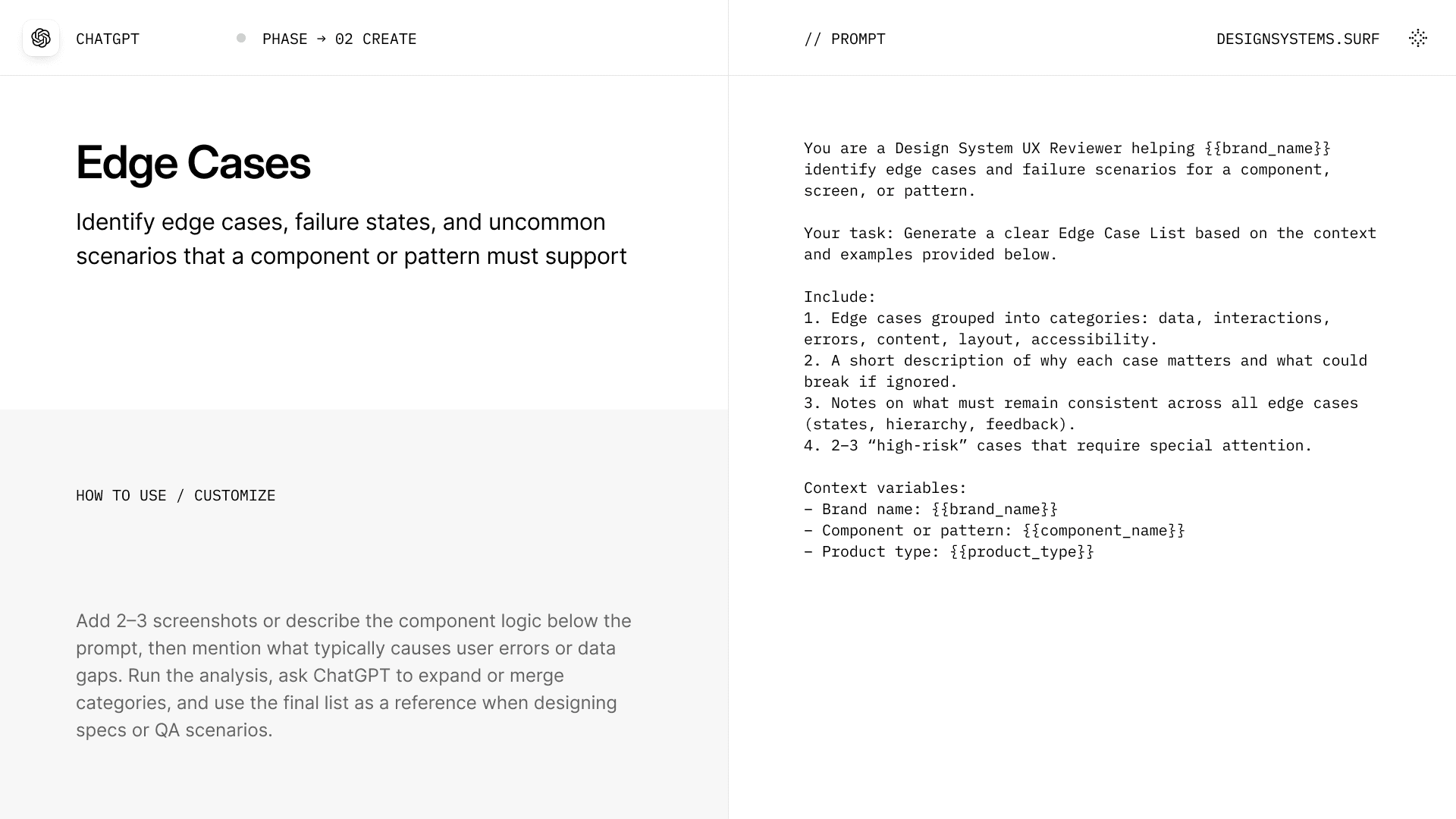
AI Prompts Library

Generate and refine

Use ready prompts to shape principles and documentation faster and accelerate everything from audits to component logic across your Design System
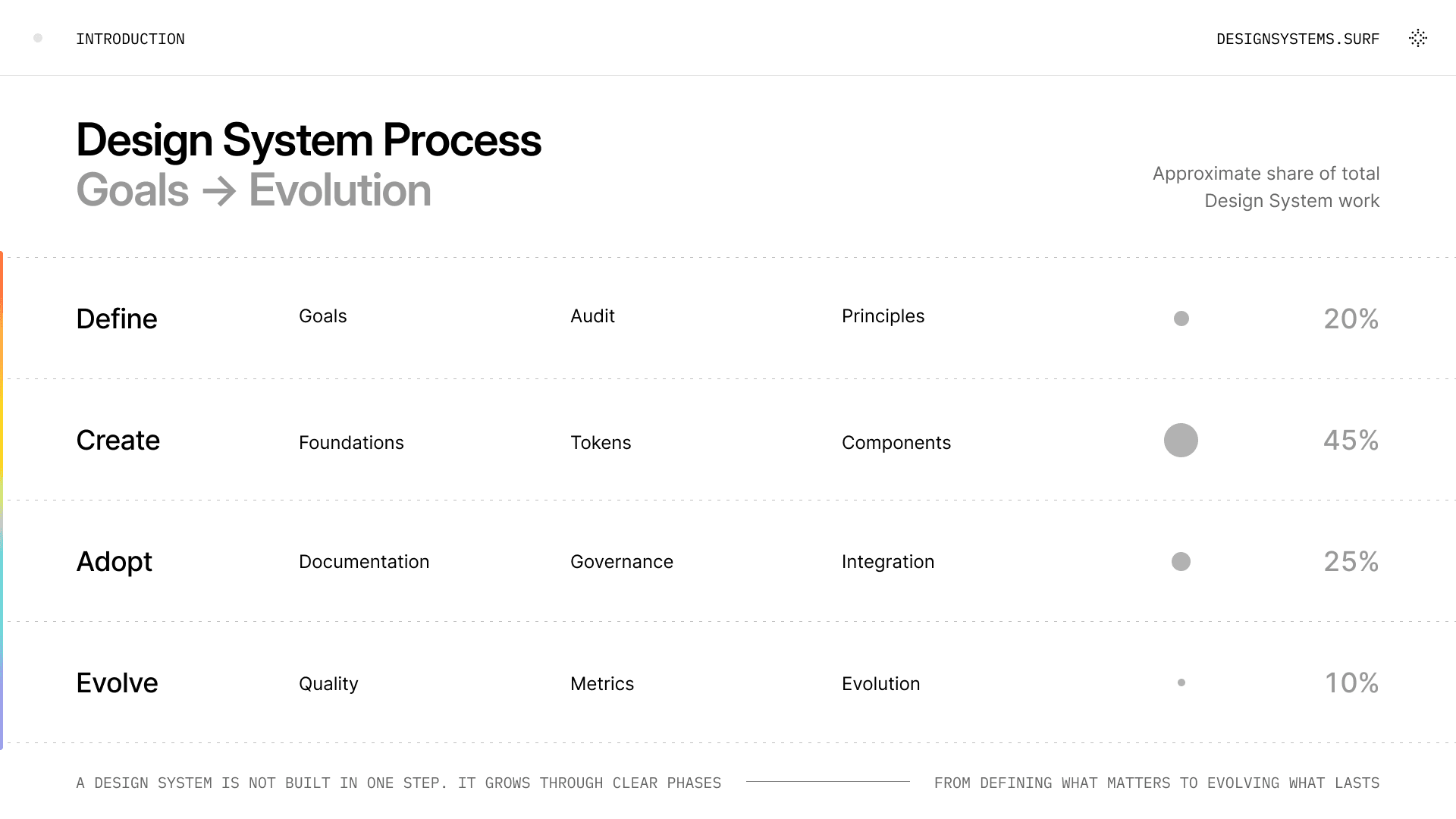
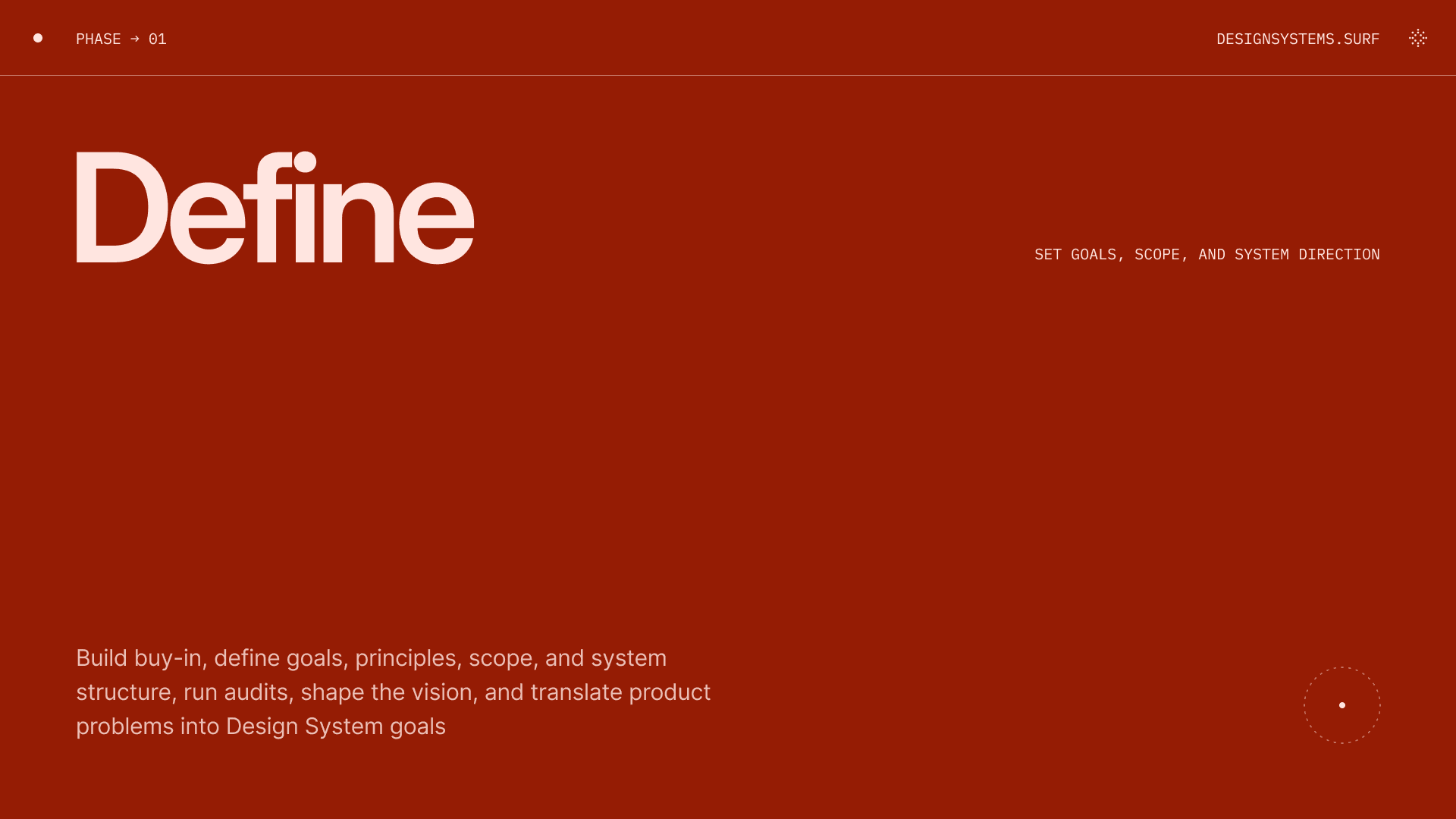
Define

Buy-in Pitch

Design System Goals

Scope Checklist

Mind Map

Vision One-Liner

UI Audit Structure

Goals Map

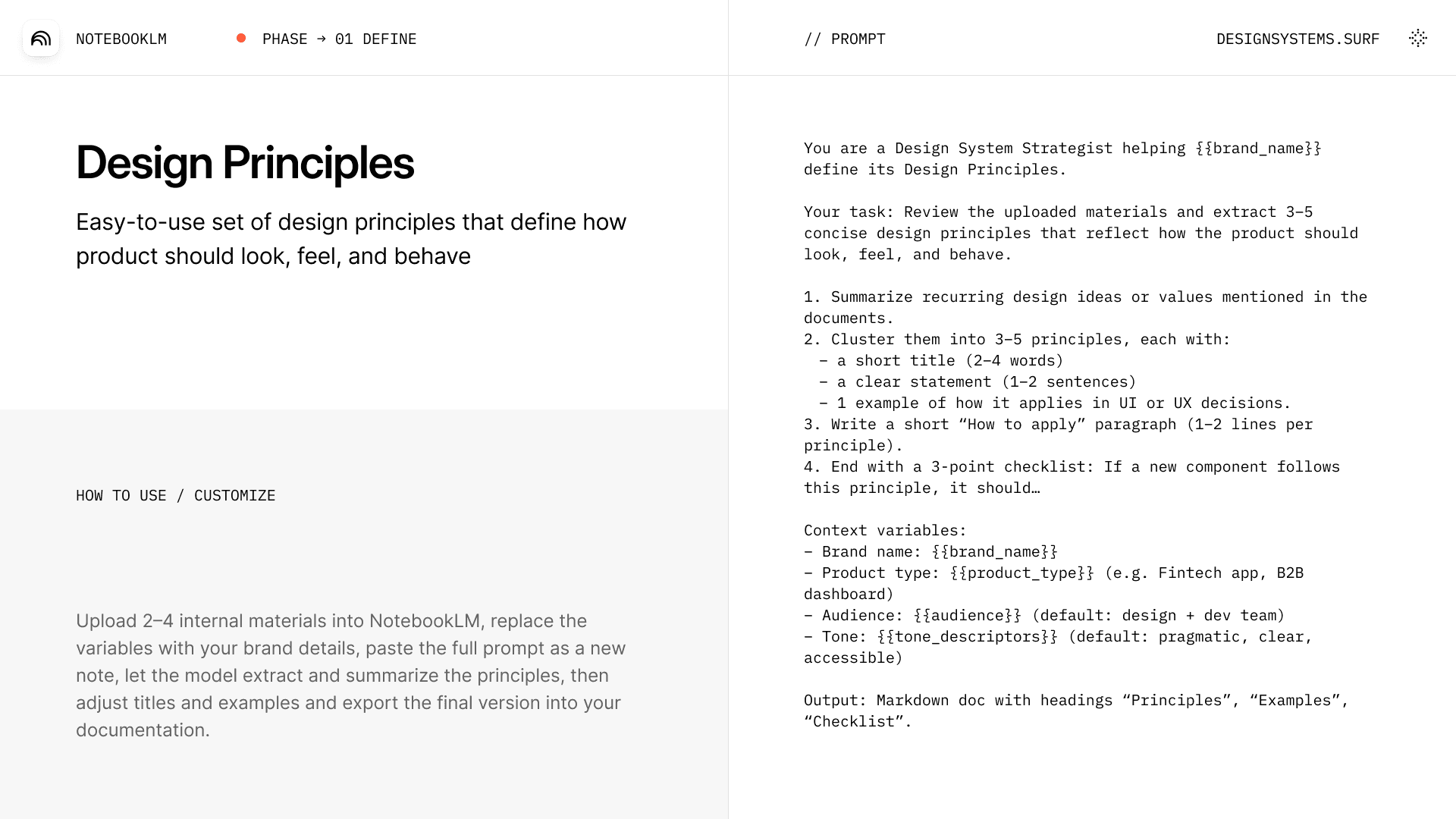
Design Principles

Tone of Voice

Design Debt Audit

Naming Guidelines

Create

Component Logic

Component Structure

Pattern Reusability Score

Component States Table

Icon Naming Convention

Layout Audit

Color Audit

Type Audit

Radius Audit

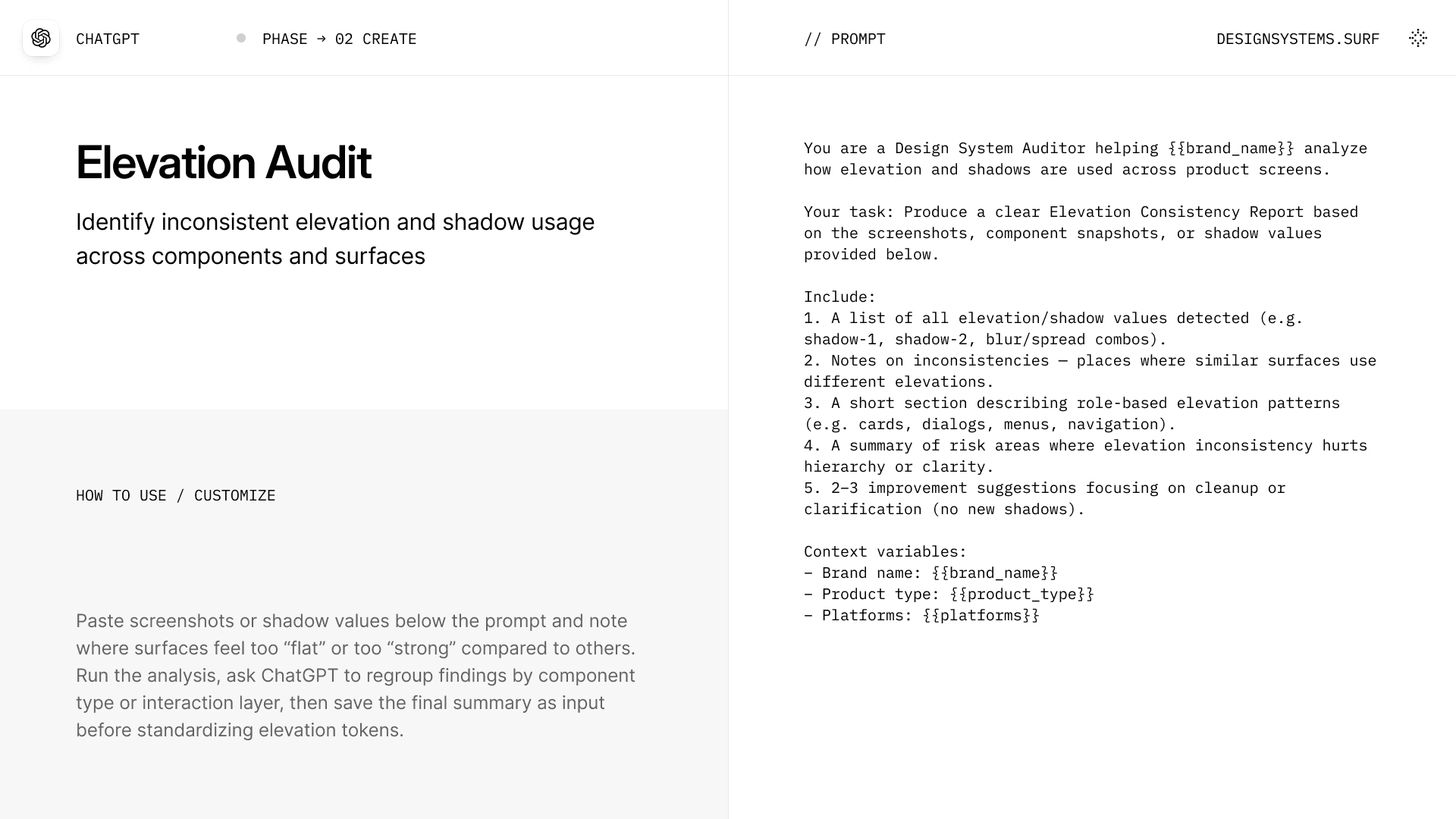
Elevation Audit

Token Inventory

Adopt

Kick-off Checklist

Docs Page Structure

Contribution Guide

Changelog Template

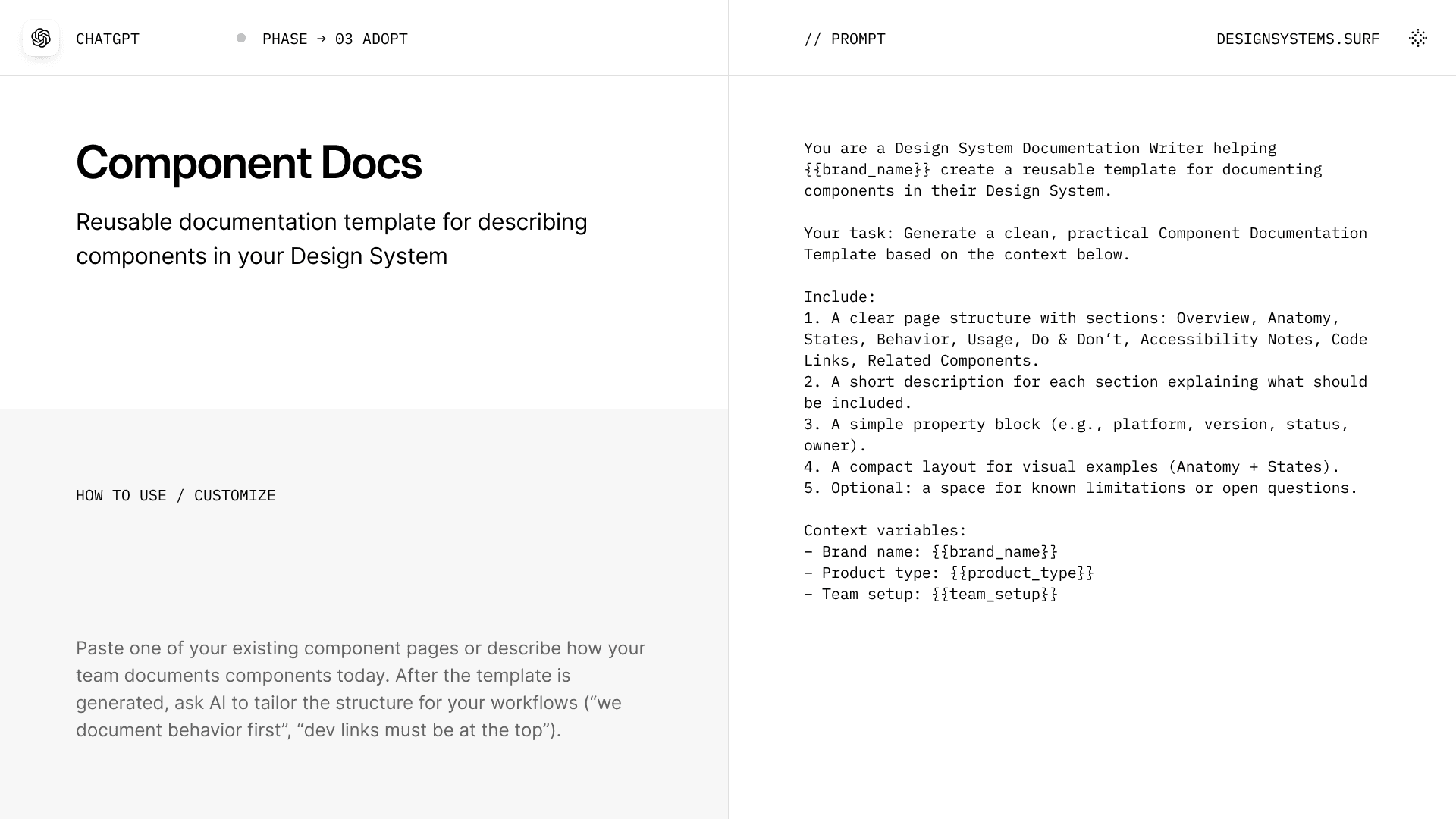
Component Docs Template

Docs Rewrite Assistant

Docs Consistency Scan

Tone Alignment Report

Design System FAQ

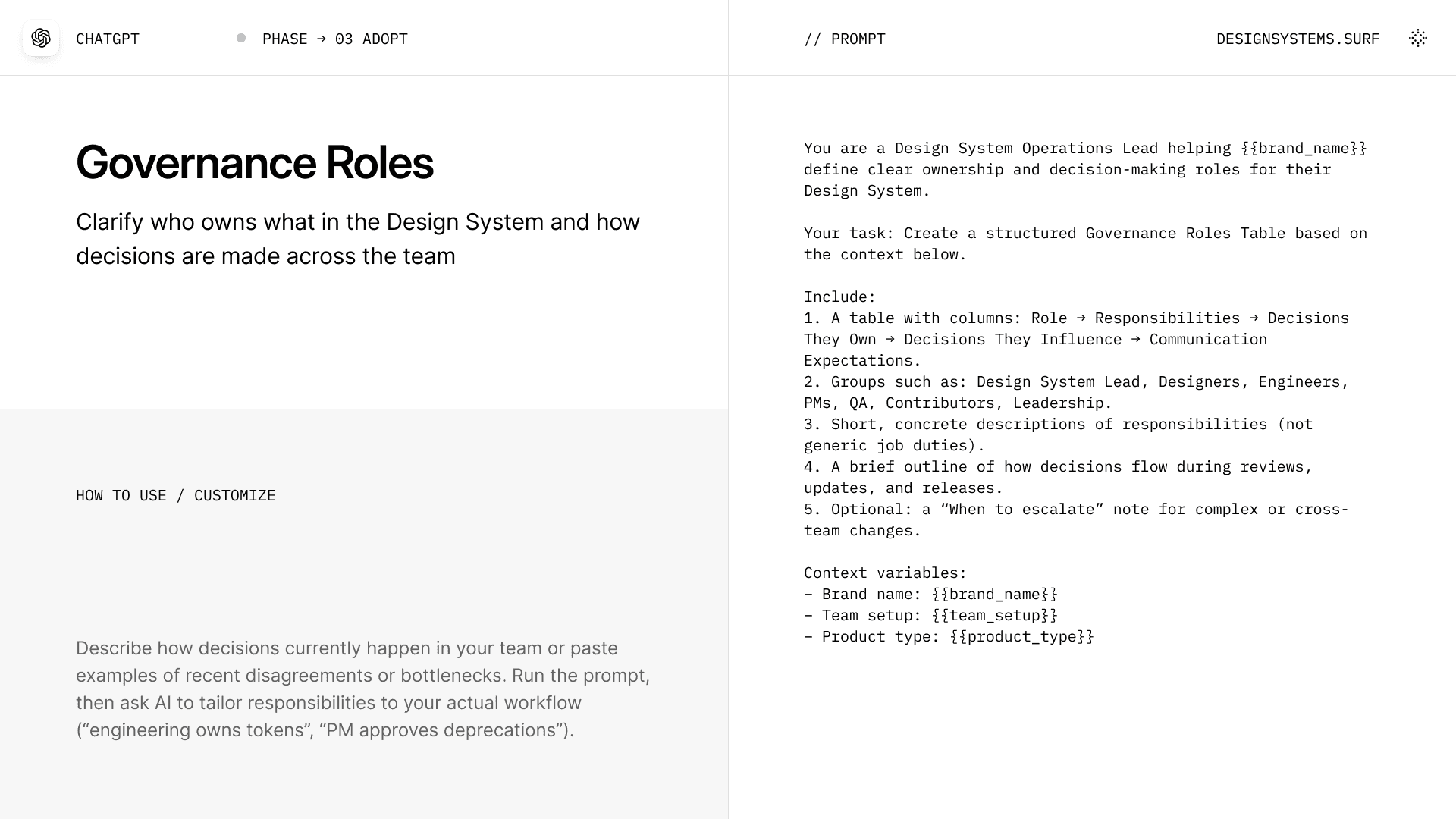
Governance Roles Table

Adoption Survey Questions

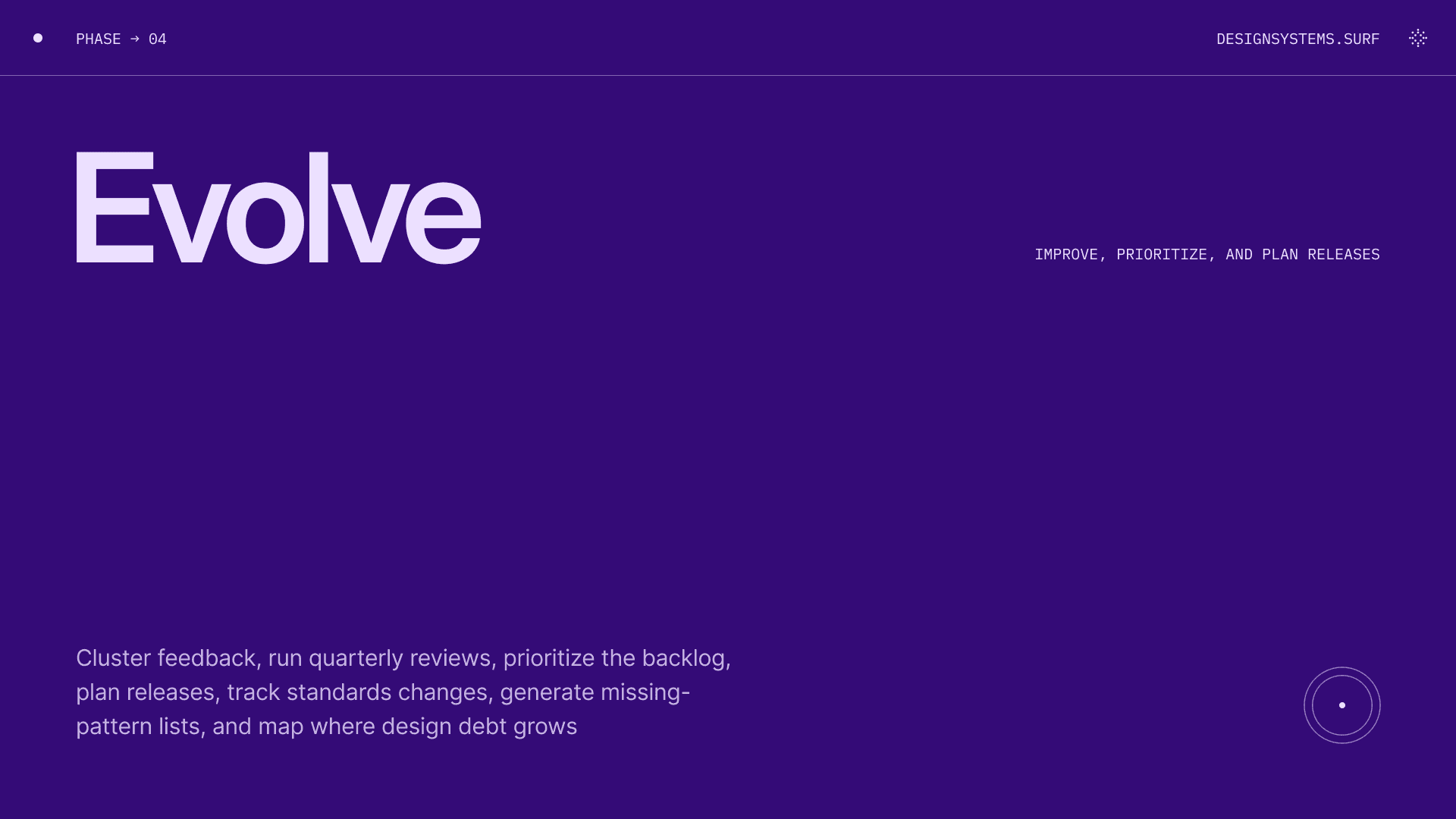
Evolve

Inspiration Brief

Quarterly System Review

Feedback Cluster Analysis

Deprecation Notice

Backlog Prioritization Overview

Standards Change Alert

Design System Health Scan

Missing Patterns List

Design Debt Heatmap

Release Plan

Component Lifecycle Map

Template

Token System Workspace

Build and test

Define and manage your token architecture in a clean, structured Figma workspace

Reference

Eliminate unclear โ€œsource of truthโ€ values by keeping all raw colors, type, spacing, and motion decisions in one stable, conflict-free layer

Semantic

Avoid scattered, inconsistent meanings by mapping roles and states to a unified semantic layer that stays predictable across components and themes.

Component

Stop guessing which value goes where โ€” component-level tokens give every part, state, and variant a clear, reusable assignment that keeps design and code fully in sync.

Template

Token System Workspace

Build and test

Define and manage your token architecture in a clean, structured Figma workspace

Reference

Eliminate unclear โ€œsource of truthโ€ values by keeping all raw colors, type, spacing, and motion decisions in one stable, conflict-free layer

Semantic

Avoid scattered, inconsistent meanings by mapping roles and states to a unified semantic layer that stays predictable across components and themes.

Component

Stop guessing which value goes where โ€” component-level tokens give every part, state, and variant a clear, reusable assignment that keeps design and code fully in sync.

Template

Token System Workspace

Build and test

Define and manage your token architecture in a clean, structured Figma workspace

Reference

Eliminate unclear โ€œsource of truthโ€ values by keeping all raw colors, type, spacing, and motion decisions in one stable, conflict-free layer

Semantic

Avoid scattered, inconsistent meanings by mapping roles and states to a unified semantic layer that stays predictable across components and themes.

Component

Stop guessing which value goes where โ€” component-level tokens give every part, state, and variant a clear, reusable assignment that keeps design and code fully in sync.

Pricing

One simple price with full access and future updates included

AI DS Playbook

Complete toolkit that makes AI a practical partner for building and scaling your Design System

$49

Template

Design System Manager

Cheatsheet

AI Prompts Library

Template

Token System Workspace

Notion template for managing Design System

50 AI prompts for key tasks

Figma workspace for building token structure

Training budget friendly

This purchase can usually be reimbursed through professional development or learning programs

$0

You get full access to the complete toolkit, identical to everything included in the standard paid plan.

Share this page with your manager or HR for approval

Share this page with your manager or HR for approval

๐Ÿ„โ€โ™‚๏ธ

Discount for students

Discount for students

Email hey@designsystems.surf to get your student offer

Email hey@designsystems.surf to get your student offer

Design Systems Surf has been invaluable to us as we try to build a design system to consolidate multiple products into a consistent user experience.

Design Systems Surf has been invaluable to us as we try to build a design system to consolidate multiple products into a consistent user experience.

Design Systems Surf has been invaluable to us as we try to build a design system to consolidate multiple products into a consistent user experience.

Head of UX at Voly Ltd

Save 30โ€“40 hours across your entire Design System workflow

Each product removes the slowest, most repetitive parts of the process โ€” giving you days of focused design time back

Calculations based
on a $30/hr designer rate

Tool

Time Saved

Value Saved

Setup Time

Without It

Notion DS Manager

12โ€“16 hours

$360โ€“$480

2โ€“3 hours

System becomes messy & hard to maintain

AI Prompts Library

10โ€“14 hours

$300โ€“$420

Instant

Long research, blank-page syndrome

Figma Token System

8โ€“10 hours

$240โ€“$300

1โ€“2 hours

Token chaos, rebuilds every cycle

Total efficiency gain: 30โ€“40 hours saved

Value: equivalent to $900โ€“$1,200 of design time for $49

Who itโ€™s for

For anyone working on a Design System and looking for a faster, clearer, and more structured workflow powered by AI

Starting a Design System

For designers building the foundations of a system. Helps define structure, components, and docs faster and with more clarity

Improving an existing System

For designers refining what already exists. Helps identify gaps, fix inconsistencies, automate audits, and keep everything aligned

Scaling and maintaining a System

For teams that are growing. Supports governance, documentation, updates, and long-term consistency across multiple teams

Questions

What exactly is included?

What exactly is included?

What exactly is included?

Do I need to know AI tools to use it?

Do I need to know AI tools to use it?

Do I need to know AI tools to use it?

How is this different from the AI DS Starter Stack?

How is this different from the AI DS Starter Stack?

How is this different from the AI DS Starter Stack?

Will I get updates later?

Will I get updates later?

Will I get updates later?

Still have questions?

Weโ€™re happy to help โ€” just reach out at hey@designsystems.surf

By subscribing you agree to our privacy policy & cookie policy and to receive marketing and account-related emails from Designsystems.surf. You can unsubscribe at any time.